
The application keeps evolving.
The system remains relevant and delivery cannot pause for a long upgrade programme.

Symfony upgrade
The maintained branches at the moment are 6.4, 7.4, 8.1 and 8.2. Symfony 5.4 gets security fixes only; everything below it and the branches 6.0 to 6.3 and 7.0 to 7.3 get nothing at all. The route there does not run through one big jump but through a sequence of small ones: clear the deprecations, then one major version further, then start again. That is unspectacular, and it is the only route where you always know where you stand.
The entry point is a fixed-price assessment, implementation is quoted by scope. Also for applications without tests and without the people who built them.
Remote from Germany. Straight with me, no agency in between.
The starting point
Symfony itself is the predictable part of an upgrade, because the project keeps a backward compatibility promise: whatever is to go is marked as a deprecation in a minor release and only removed with the next major. Anyone who works through those messages on the last minor before jumping has most of the jump behind them. Parts marked internal or experimental are excluded, as are security fixes, and there it can break without warning.
The problem is the bundles. A project with fifteen dependencies has fifteen separate timetables, and if one of them has not seen a commit in four years it holds the whole application still. On top of that comes your own code that relied on internals: an overridden service, an event listener at a point that no longer exists later, a configuration in a format that was dropped three versions ago.
And underneath all of it sits the language version. Symfony 6.4 requires at least PHP 8.1, 7.4 at least 8.2, the 8.x line at least 8.4. So anyone sitting on PHP 7.4 is facing two projects, not one. Which comes first is decided by the assessment, not by instinct.
Does any of this sound familiar?Who this is for
For CTOs and tech leads with a productive application on an older Symfony release. Product work continues while security support and compatible packages become scarce.
The system remains relevant and delivery cannot pause for a long upgrade programme.
Bundles, extensions and old libraries need an evidence-based order rather than one version jump.
Tests, deprecations and small releases create a controlled path to a supported target.
What I do
Not everyone jumps to the newest release. Anyone on 5.4 today sensibly goes via 6.4 to 7.4, and whether the 8.x line is the target hangs on whether PHP 8.4 is within reach. The result is a chain of intermediate steps, each with its own prerequisite.
Deprecations accumulate over the lifetime of a major version. Those messages get collected, sorted by frequency and effort, and worked through while still on the old major. This is the part that makes the actual upgrade small: every change can be rolled out on its own while the application keeps running on the current version. It is not risk-free, production code gets touched, but it breaks down into small steps you can check one at a time.
Per dependency: does it exist for the target branch, is it still maintained, and what takes its place if not. Abandoned bundles get a maintained alternative, a narrow implementation of what is actually used, or a boundary behind which they carry on encapsulated.
Where no tests exist, characterization tests go in for the paths that get touched and that money hangs on. They record what the application does today, regardless of whether that is right.
Every branch is a step of its own with a way back of its own, and each one goes into production separately. Taking two major versions in one go saves time on paper and hands it back at the first fault, because nobody can say which jump it came from any more.
At the end, the things that keep the gap small in future: deprecation messages as errors in the pipeline, static analysis, automated dependency checks, and a note of when the branch you picked now drops out of maintenance.
Is your Symfony sitting on an unmaintained branch?
Send me the key facts. You get the chain of intermediate steps and the effort before you commission anything.
How it runs
Four steps, and after the first one you know the route and its stops along the way. No step assumes that you commission the next one.
Symfony version, PHP version, rough size, test coverage, list of bundles. Read access to the repository is enough for the assessment.
Target branch, intermediate steps, deprecations by effort, bundles by replaceability. That is enough for you to decide, including against me.
Work through the deprecations on the current branch, put the test net in place. Both happen before the first version number goes up.
One jump, one rollout, one way back. At the end checks in the pipeline and the handover.
Entry offer
Starting price for the assessment. Implementation is quoted by scope, and always before it begins.
The entry point is an assessment, not an implementation: you find out which intermediate steps the route runs through and what each of them costs.
What you get
What you do not get
The outcome
Bug fixes and security fixes come back, and the question in the next audit is answered.
A new package can be installed without three others blocking it. That was the real standstill before.
With deprecations as errors in the pipeline nothing piles up any more. The next major jump is then routine rather than a project, because the work happened along the way instead of all at the end.
The tests written for the upgrade belong to you afterwards and protect every further change.
Technologies I use
Evidence
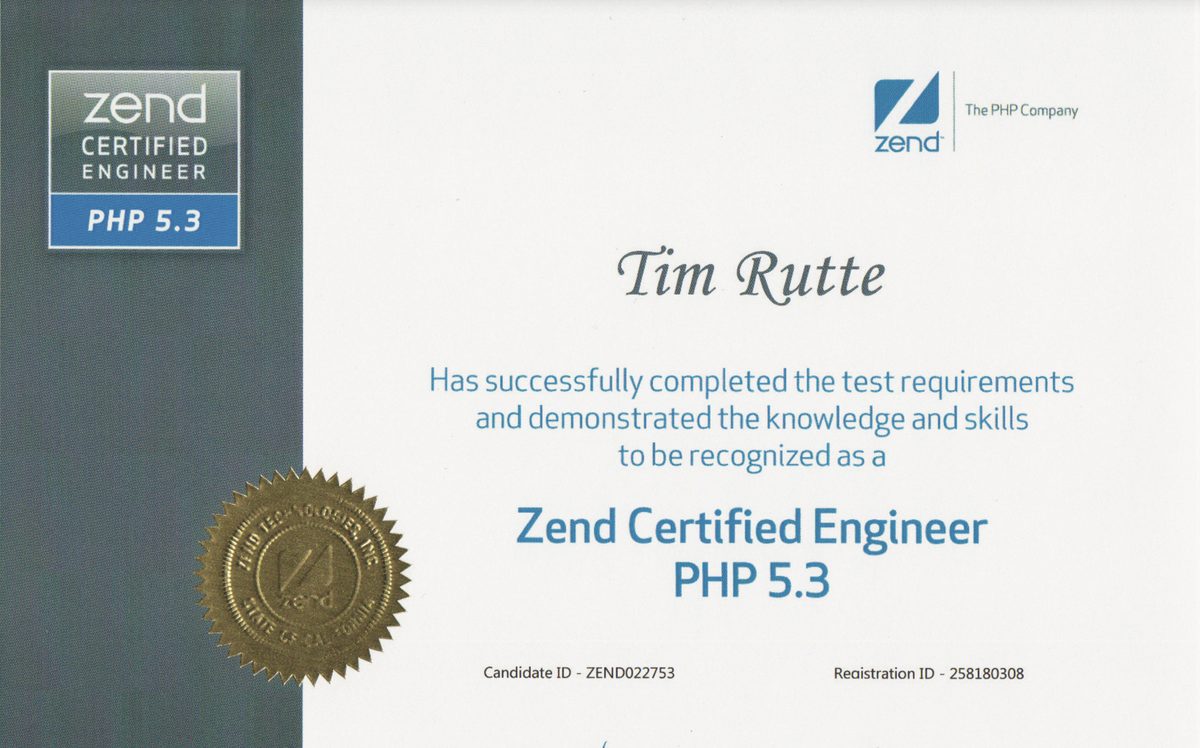
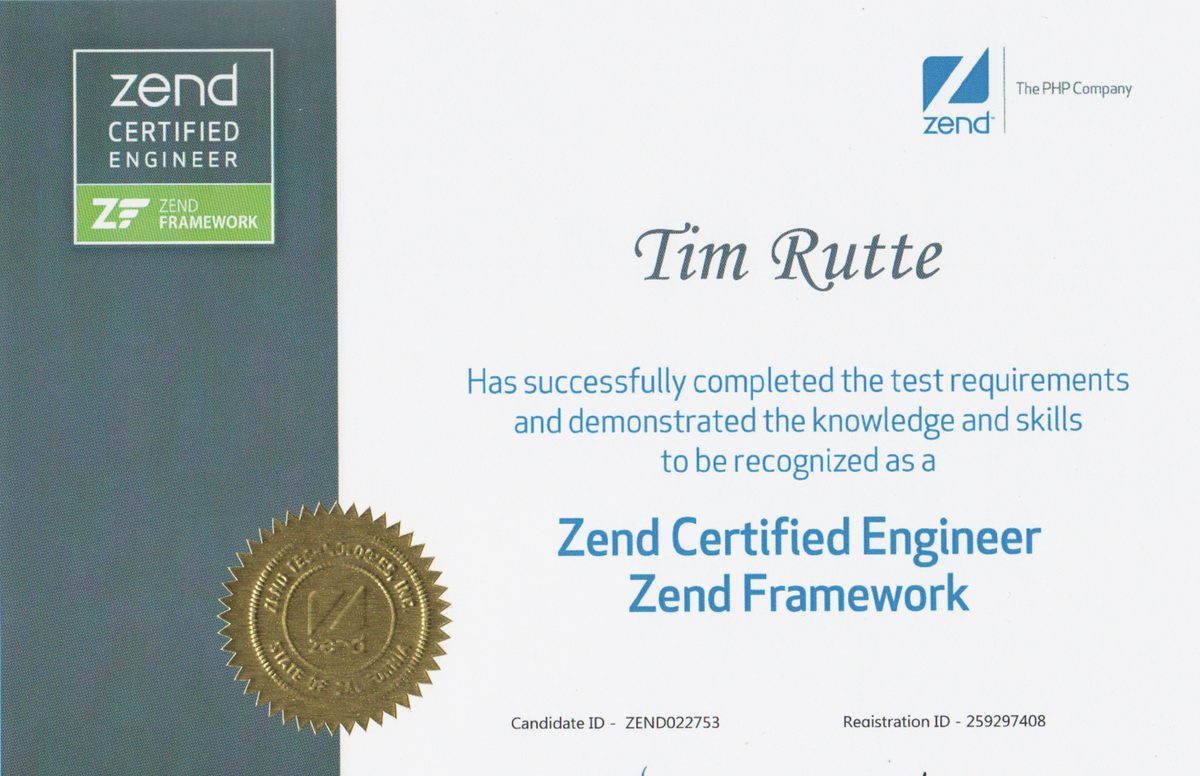
Most suppliers know the destination. With an old system, what decides the outcome is whether someone also knows the starting point: why a passage is written the way it is, and what replacing it sets off. Zend Technologies no longer exists under that name, and neither do the exams of the time. For the database side there is an Oracle certification on MySQL 5, because that is where the quieter traps sit: character sets, collations and a strict mode that starts refusing what used to pass.
From practice
Grown PHP code with no tests and no documented infrastructure. First test coverage from 0 to over 90 per cent, then the migration, then the cloud. The same order carries a framework upgrade: secure it, then move it.
Read the case studyAlso from real projects
How twelve thousand messages turn into an order of work: three kinds of deprecation, the bottom-up route, and the three rebuilds (structure, services, security) that never announce themselves and still decide how long the project runs.
Read the article
Who you are talking to
I am Tim Rutte. More than 20 years in software development, and Symfony has been with me since its early versions. You talk to the person who touches your code, from the first call to the handover.
Common questions
As of August 2026 the maintained branches are 6.4, 7.4, 8.1 and 8.2. Symfony 5.4 gets security fixes only, everything below it and the branches 6.0 to 6.3 and 7.0 to 7.3 get nothing at all. As a target I usually recommend the current LTS branch 7.4: long support, and the libraries have caught up with it.
Technically yes, in practice rarely sensibly. Symfony only removes things with a major version, and it announces that through the minors before it. That is exactly why the intermediate stop pays off: whoever is deprecation-free on the last minor of a major jumps almost without surprises. Taking two majors in one go skips that station twice, and after a fault nobody can say which jump it came from.
The first upgrade step costs from 950 euros excluding VAT and tells you what the implementation costs. The range is wide, and it does not hang on the size of the codebase but on two other numbers: how many bundles are abandoned, and whether there are tests. Implementation is quoted afterwards by scope, at a fixed price or by time spent to suit the project and the model you prefer, and always before it begins.
That is the most common hard case. Three answers come into question: a maintained alternative doing the same job, a narrow implementation of exactly what you actually use, or a boundary behind which the old bundle carries on encapsulated until it is replaced. Which one holds is in the assessment, with the effort it carries.
Often yes, because the branches set minimum versions: 6.4 needs PHP 8.1, 7.4 needs 8.2, the 8.x line needs 8.4. Changing both at once is the most reliable way to end up unable to trace a fault. Which step comes first depends on the starting point and is in the assessment; the PHP upgrade has a dedicated page.
No. Working through the deprecations happens on the running branch and is invisible anyway. Every version jump after that is a rollout of its own with a way back of its own, like any other change.
Usually as a source of findings, rarely as a foundation. It shows what the last attempt failed on, and that is a valuable shortcut in the assessment. I would only carry on working on it if it is younger than a few months; otherwise the distance to the main branch is greater than the gain.
Yes, but as separate steps in an agreed order, not as one project. That order is exactly the part you bring someone in for: it decides whether the whole thing takes three weeks or three months.
Other services
Modernizing grown systems step by step: strangler fig instead of a rewrite, operations untouched, every step reversible.
Learn moreFrom PHP 5.6, 7 or early 8 to a supported version, while everything keeps running: compatibility assessment, a test net, automated rewriting, staged rollout.
Learn moreZF1, ZF2 or ZF3 brought to a state that is maintained again: Laminas for ZF2 and ZF3, step-by-step replacement for ZF1.
Learn more