
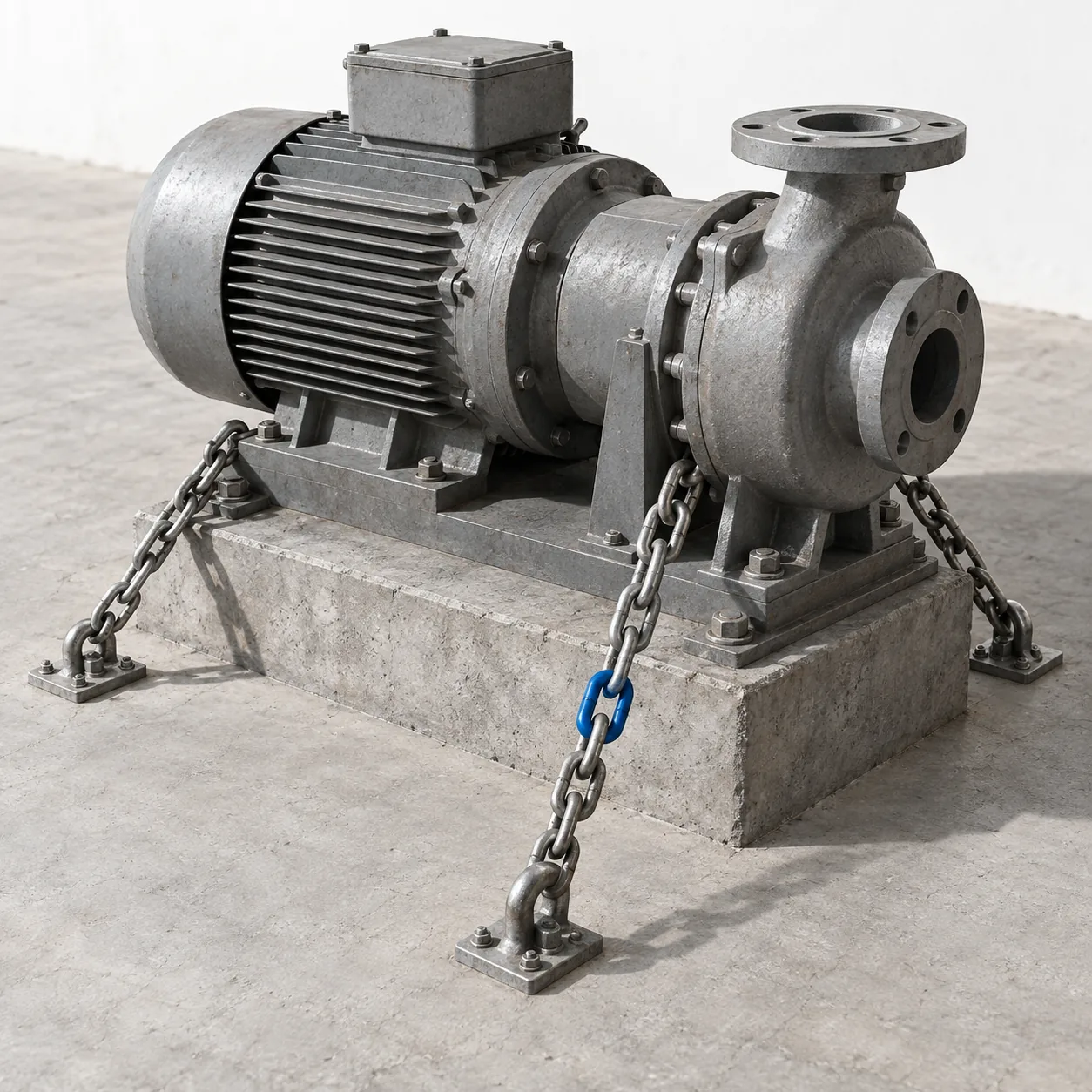

The question usually comes up at the first load problem: can we not just add a second server? The answer is almost always no, and the reason is never the application logic. It is three things that have ended up on the disk of that one server over the years and do not want to leave.
As long as those three chains hold, a whole range of things is impossible: more than one machine, a rollout without interruption, a machine that is allowed to disappear without warning, and any form of automatic scaling. That is why this work comes before a cloud migration and not after it.
This article goes through the three chains in the order in which I undo them, and describes for each the smallest step that really holds.
Why the application only runs on one machine
An application that can run on any number of machines remembers nothing between two requests that is not in shared storage. Everything it remembers locally ties the user to exactly the machine that handled their last request.
In practice that tie becomes visible the moment a second server appears: users get logged out at random, uploaded files are sometimes there and sometimes not, and a counter shows a different value depending on the server. The behaviour is sporadic and therefore particularly unpleasant.
The usual first way out is sticky sessions: the load balancer always sends a user to the same machine. That works, and it only moves the problem. If the machine fails, the state of its users is gone. A rollout to that machine throws the same users out. And scaling down becomes a decision about whose session gets sacrificed.
So it is worth actually undoing the chains rather than managing them. In my experience that is days, not weeks.
Chain 1: sessions in the file system
PHP stores session data as files in a directory by default. That is the most common case and the easiest to solve.
php -i | grep -E "session.save_handler|session.save_path"
# session.save_handler => files => files
# session.save_path => /var/lib/php/sessions => /var/lib/php/sessions
Moving to shared storage is configuration, not code:
session.save_handler = redis
session.save_path = "tcp://redis.internal:6379?auth=...&database=1"
session.gc_maxlifetime = 7200
Three points that regularly get missed.
What is in the session has to be serializable. In grown applications whole objects occasionally end up there, including some with a database connection inside. As long as the session was a file on the same machine, that never showed. A search for writes to the session finds those places in ten minutes.
The session is written on every request, even when nothing changed. Over the network that is an extra round trip per request. Where a page only reads the session, it should be closed after reading; that releases it and saves the write.
Restarting the session store logs everybody out. That happens once when switching over and after that on every outage. If it is unacceptable, sessions belong in a store with persistence, and that is a deliberate decision with a price of its own.
The switch itself needs no maintenance window: new sessions appear in the new store, old ones expire. Reading both at once costs more to build than the thing is worth.
Chain 2: uploaded files
The second chain touches the most code, and that is why the order matters here.
The destination is object storage: files no longer sit on the machine but in a service, and the application talks to it through an interface. The route there runs through an intermediate step that often gets skipped and that makes the whole rebuild plannable.
Step one: bring all access into one place. In a grown system, move_uploaded_file, file_get_contents and unlink are spread across dozens of files. While that is so, every migration is a dozen changes with a dozen opportunities to get it wrong.
grep -rnE "move_uploaded_file|file_put_contents|unlink|fopen" src/ \
  --include="*.php" | grep -v "/tests/" | wc -l
Behind it goes a thin interface that at first does exactly what happened before:
interface FileStore
{
    public function put(string $path, string $contents): void;
    public function get(string $path): string;
    public function remove(string $path): void;
    public function url(string $path, int $validSeconds = 300): string;
}
That interface is the actual work. Once it exists, changing the storage is one line of configuration.
Step two: write to both. The new implementation writes to object storage and to disk, reading still happens from disk. From now on everything new is in both places.
Step three: copy the backlog, in batches, with a reconciliation afterwards. For larger volumes that is a run over hours, and it disturbs nothing, because nobody is waiting for it.
Step four: switch the read path, with a fallback to disk when the file is missing from object storage. That fallback stays for two weeks and gets logged. What appears in that log is exactly the list of what the copy missed.
Step five: stop writing to disk, remove the directory after a waiting period.
Step four is what turns this rebuild from a risk into a routine, and it is the one you rarely find in guides.
Chain 3: state inside the process
The third chain is the least obvious, because it is not visible in any directory. It consists of things the application remembers in memory or in a local file.
Local caches. A cache on disk or in the opcache is not wrong, as long as it only holds derivable data. It becomes a problem when it is the only source for something, or when two machines hold different versions and the user sees something different depending on the machine.
Locks inside the process. Every lock that goes through flock on a local file only locks against other processes on the same machine. On two machines it has no effect, and it fails silently: the code carries on, it just protects nothing any more. That is the most dangerous of the three chains, because its failure produces no error message.
grep -rnE "flock|sem_acquire|apcu_|__DIR__ \. '/(cache|tmp)" src/ --include="*.php"Scheduled jobs. A cron job configured on both machines runs twice. For a report that is annoying, for an invoice run or an email send it is expensive. The simplest way to deal with it is not technical at first: scheduled jobs keep running on exactly one machine, and that machine is named as such. It is not a pretty solution but an honest one, and it prevents the damage until the jobs move into a queue.
The cache is the fourth piece of state, and the least conspicuous one: The cache as a debt.
How to check whether it worked
The check is simpler than it looks, and it is the real acceptance test: two machines, and the load balancer alternates on every request. No sticky sessions, no pre-sorting.
If a login, an upload, a form across three pages and a logout work under those conditions, the chains are undone. If not, that exact check shows which one is still holding.
Two additional checks are worth running, because they find silent failures.
Shut one machine down hard while somebody is logged in. Whoever can keep working afterwards has no local state left. Whoever gets logged out still has some.
Look at the logs for fallbacks. Every fallback to the local path from step four above is a file that was not copied. As long as anything shows up there, the rebuild is not finished.
What becomes possible afterwards is covered in A PHP monolith on ECS Fargate.
What becomes possible afterwards
The effort for these three chains is one to three weeks in most applications, and it is the precondition for a whole range of things that did not work before.
A rollout without interruption becomes possible, because a machine can be taken out of service without anybody noticing. Automatic scaling becomes possible, because new machines join without preparation and may disappear again. And the failure of a single machine turns from an incident into a log entry.
That is also why this work comes before a cloud migration and not after it: in the cloud, a single machine failing is not an exception, it is normal operation. What is needed beyond that when an entire region fails is a different order of magnitude and is covered in its own article.
How an AWS migration works is on its own page; the three chains above are the first block of work there, regardless of who does it.
This article belongs to a series about systems that already exist. The retrospective orders every article in it by situation.
