
The current store is business-critical.
Revenue continues, so products, orders and customer accounts need a controlled transition.

Shopware 5 to 6
Shopware has handed over the documentation for version 5, a third party carries it on, and since September 2023 there has been exactly one release. Even so, moving to 6 is not an update but a move into a different system. Plugins, themes and customizations do not come along. What does come along is your data and your requirements. The question is not whether, but in which order and at what price.
The entry point is a fixed-price assessment, implementation is quoted by scope. Also as a second opinion on a quote you already hold.
Remote from Germany. Straight with me, no agency in between.
The starting point
Shopware 6 shares its name with Shopware 5 and little else. The difference shows in the dependencies: Shopware 5 uses individual Symfony components on top of its own base, Shopware 6 is built on the full Symfony framework. On top of that come a different data model and a different extension architecture. That is why no plugin and no theme comes along, and why the question "how long does this take" cannot be answered without an inventory.
The effort almost never falls where operators expect it. The shop itself is the predictable part. What gets expensive is the thirty plugins, of which twelve have a counterpart in Shopware 6, eight can be replaced, six have to be built new, and four have not been used by anyone for two years without anybody knowing. Those four are the cheapest: they do not come along at all.
Then come the things that tend to be missing from a quote and hurt afterwards: URLs and redirects, so visibility does not collapse. The connections to inventory management and payment providers. And the question of what happens to orders that arrive during the switchover.
Does any of this sound familiar?Who this is for
For e-commerce and technical owners with a productive Shopware 5 store. Plugins, ERP integration, themes and custom processes turn the version change into a migration.
Revenue continues, so products, orders and customer accounts need a controlled transition.
Plugins, integrations and special logic can be evaluated for standard replacement or redevelopment.
Test migrations, delta transfer and cutover are planned before the old store is switched off.
What I do
Every plugin, every theme, every customization is recorded individually and sorted into four buckets: exists for Shopware 6, can be replaced, has to be built new, or is not needed at all any more. The last bucket is regularly the largest, and it costs nothing.
For products, customers, orders and media there is the Migration Assistant, an extension installed in both shops. It carries the standard case including the free text fields from Shopware 5. What it does not carry are custom tables and the data of your plugins. Those leftovers get named up front instead of discovered at the cut-over.
URL structure, redirects, structured data and page titles belong in the plan, not in the clean-up afterwards. A shop that works technically after the switch and has lost half its rankings is not a successful migration.
Inventory management, point of sale, payment providers, shipping: every connection gets a section of its own with test cases. These paths carry the revenue, and they are the first thing to show up in a switchover if they are not right.
Unlike a framework upgrade, a move has a real cut-off date. That date gets rehearsed, with the duration measured and a time by which the decision to roll back has to be made at the latest. Without that time, at two in the morning carrying on always wins.
Shopware 6 wants to be operated: deployment, environments, caching, search. Anyone who puts the shop onto a clean AWS environment while they are at it saves themselves the second move in two years.
Is a migration from Shopware 5 to 6 coming up for you?
Send me the key facts. You get an assessment by item, including as a second opinion on a quote you already hold.
How it runs
Four steps, and after the first one you know what the price is made of. No step assumes that you commission the next one.
Shopware version, number of plugins, custom theme, connected systems, order volume. Read access to the repository and the plugin list is enough for the assessment.
Plugins and customizations sorted, data migration planned, interfaces recorded. The result is a list with the effort per item, not a total without a derivation.
Set up Shopware 6, replace or rebuild plugins, migrate the data in a trial run. The old shop keeps running throughout.
A dress rehearsal against the clock, then the cut-off date with a way back. The first working days after it belong to the switchover, not to operations.
Entry offer
Starting price for the assessment. Implementation is quoted by item before it begins.
The entry point is an inventory, not an implementation: you find out what the price is made of before you have to decide on it. Also as a second opinion on a quote you already hold.
What you get
What you do not get
The outcome
Shopware 6 is developed continuously and ships several releases a year. The standstill that turned every requirement into a matter of principle is gone.
The inventory clears up: what nobody uses does not come along. That is the part of the migration that lowers running costs for good.
Redirects and URL structure are part of the plan. The drop after the move that many take to be unavoidable is not.
You know which item cost how much. That carries the next decision too, such as whether to replace a plugin or rent one.
Technologies I use
Evidence
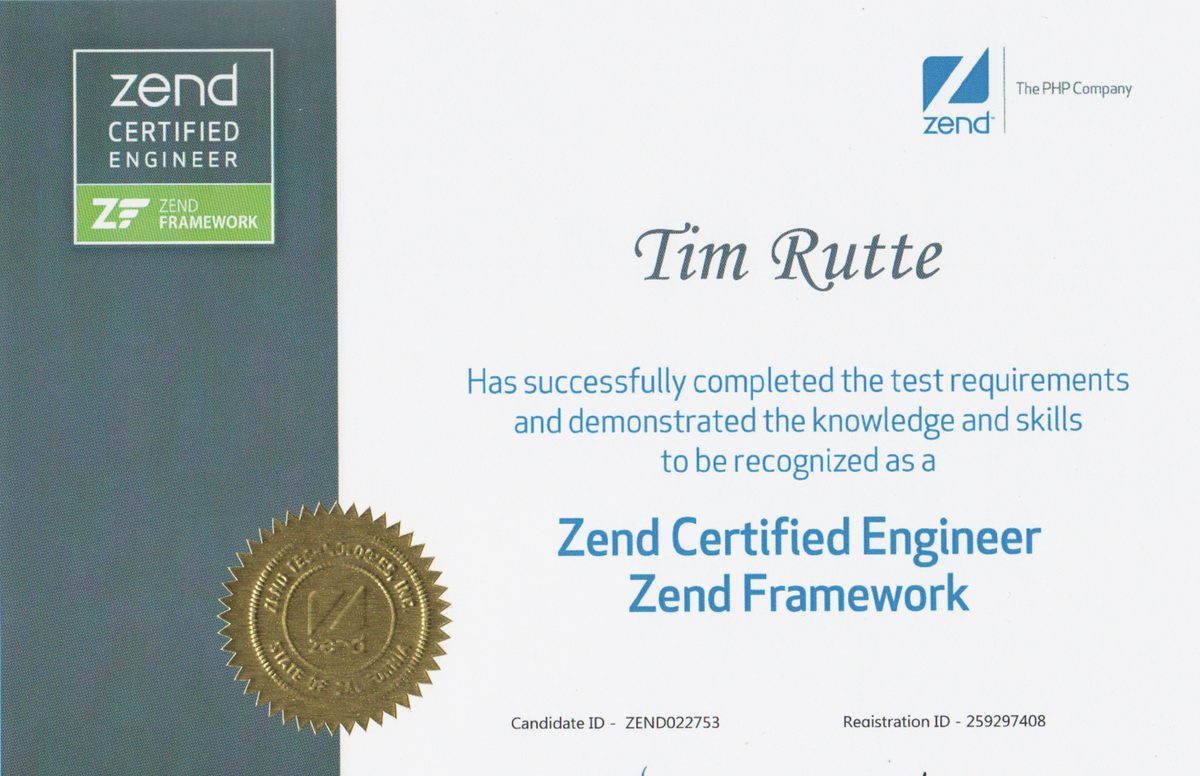
Most suppliers know the destination. With an old system, what decides the outcome is whether someone also knows the starting point: why a passage is written the way it is, and what replacing it sets off. Zend Technologies no longer exists under that name, and neither do the exams of the time. For the database side there is an Oracle certification on MySQL 5, because that is where the quieter traps sit: character sets, collations and a strict mode that starts refusing what used to pass.

From practice
A digital catalogue with no real e-commerce behind it was replaced by a full online shop, deeply integrated with inventory management and point of sale, with international shipping. The hard part was not the shop but the connection to what was already there.
Read the case studyAlso from real projects
The cost driver is not the data, it is the plugins and the theme. Three lists instead of one, four categories with four answers, and the order that pays off: settle the plugins before the data moves.
Read the article
Who you are talking to
I am Tim Rutte. More than 20 years in software development, including shops that carried a company’s entire revenue. You talk to the person who touches your code, from the first call to the handover.
Common questions
The range is wide, and it hangs almost entirely on the plugins and customizations, not on the shop. Two shops with the same product range can be a factor of five apart. The first migration run costs from 950 euros excluding VAT and gives you the effort per item; only after that is a fixed price for the implementation possible.
Technically it keeps running, and the line is not entirely dead: ten releases in 2022 were followed by four in 2023, none in 2024 and one in June 2025. The vendor has also handed over the documentation for version 5, and a third party carries it on. That is not an acute danger, it is a growing surcharge on everything: a shrinking market of extensions and suppliers, and every new requirement turning into a matter of principle.
No, none of them. Shopware 6 has a different architecture, extensions have to be built for it. Many widely used plugins have a counterpart, some have an alternative, some have to be built new. And a regularly surprising share is simply not needed any more, which the inventory brings to light.
The most common reason for the drop many report is old addresses pointing nowhere after the switch. That can be settled with URL structure and redirects before the cut-over instead of repaired afterwards. I still cannot promise you the rankings: a move to Shopware 6 also changes markup, structured data, internal linking and load time, and how a search engine weighs that is its own decision.
From a few weeks for a lean shop to several months when there is a lot of custom code and deep integrations. The delivery time for the assessment itself is one to two weeks, and after that the duration can be stated reliably.
That is the question most often missing from quotes. Unlike a framework upgrade, changing shop has a real cut-off date, and from the moment the first order sits in the new system, a way back via a backup is no longer a way back. So the switchover window, the abort criterion and the time of the decision belong settled before the date.
Yes, that is a common reason to get in touch. The assessment gives you your own estimate of effort per item, which you can hold against the quote. The same places stand out most of the time: plugins judged as a lump rather than one by one, redirects not included, and not a word about the switchover window.
On request. Shopware 6 wants to be operated, and if the shop is moving anyway, it is the cheapest moment to put it onto a clean AWS environment. But that is a project of its own with a quote of its own, not a silent part of the migration.
Other services
Modernizing grown systems step by step: strangler fig instead of a rewrite, operations untouched, every step reversible.
Learn moreOnline shops for retailers whose standard shop fails at the integration: inventory management, point of sale and store stock in real time, in-store pickup, search and product recommendations.
Learn moreFrom PHP 5.6, 7 or early 8 to a supported version, while everything keeps running: compatibility assessment, a test net, automated rewriting, staged rollout.
Learn more